It is possible that the download link provided above does not refer to the intended version.
If you are looking for Alive Text to Speech, you may try searching for a download link using
Google.
This video tutorial has been acquired from Downloadtube.com
McAfee SiteAdvisor warning
This software is probably infected with viruses. Visiting the developer's website may cause damage to your computer. Click here
to see McAfee SiteAdvisor report.
Review
This review applies to version 6.0
The latest version of this software will soon be reviewed by our
informers.
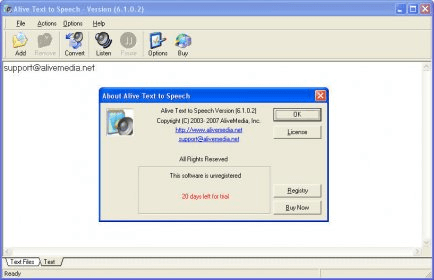
Basically, what this program does is convert text into spoken words. You just write down anything you want in the application's main window and click on the listen button, the program will then start pronouncing every word. It will be using the standard Microsoft Sam (or Anna) voice installed on your system, so you may already have an idea of how the pronounced words will sound like.
Alive Text to Speech enables you to convert text into audio files so that you can listen to it in any audio player, even when being on the go. You can use this program to listen to texts from any application or website. This feature can be useful for kids who are still learning how to read or for lazy people who like listening more than reading, or maybe for visually impaired.
The program's interface is very well designed. In the preferences, you will be able to set the program to convert text into Mp3, WAV, OGG, or VOX files. Plus, you can choose the desired number of channels: mono, stereo, joint stereo, or forced joint stereo.
It converts text into Mp3, WAV, OGG and VOX files.